

Forex & CFD Trading
Exness S&P 500 Trading: Conditions, Platforms, and Costs
A practical guide to trading the US500 index on Exness with real trading conditions and platform details.

Senior Forex Trader & Market Analyst
Daniel Chen is an experienced forex trader and financial market analyst with over 15 years of experience in currency trading. He specializes in technical analysis, risk management, and developing practical trading strategies to help traders make informed decisions.
The S&P 500 remains one of the most watched equity benchmarks in the world. Traders follow it for broad market direction, sector rotation signals, and macroeconomic sensitivity. Exness offers the index as a CFD under the symbol US500, letting you speculate on price moves without owning the underlying basket of stocks. This article breaks down how the product works on Exness, what it costs, which platforms support it, and the practical details that affect day-to-day trading.
Contents
- 1. How Exness S&P 500 Trading Works
- 1.1. Contract Specifications for US500
- 1.2. Trading Hours and Sessions
- 2. Trading Platforms for S&P 500 on Exness
- 2.1. MetaTrader 5 for Index Trading
- 2.2. Exness Web Terminal
- 2.3. Mobile Trading App
- 3. Spreads, Commissions, and Swaps
- 4. Leverage and Margin Requirements
- 5. Execution Quality and Order Types
- 6. Risk Management Tools
- 7. Opening Your First S&P 500 Trade
- 8. Comparing Exness with Other Brokers for Indices
- 9. Final Assessment of Exness S&P 500 Trading
Index CFDs differ from futures or ETFs in a few ways that matter. There is no expiry date, so you can hold a position as long as margin allows. Pricing derives from the underlying futures market with a broker markup, and trading hours mirror the CME session with a daily break. Exness provides the instrument across all its account types, but the spread, commission, and swap values shift depending on whether you use a Standard, Raw Spread, Zero, or Pro account. Understanding those differences upfront saves confusion later.
Leverage on major indices reaches 1:200 for retail clients under most regulators, though professional clients can access higher ratios. Margin requirements scale with position size, and the stop-out level sits at 0% on most Exness accounts, meaning positions close only when equity hits zero. That structure gives breathing room during volatile sessions, but it also means losses can exceed the initial deposit if the market gaps hard. The broker does offer negative balance protection, so you cannot lose more than the account holds.
Before placing a trade, it helps to know the contract specification. One lot of US500 represents one dollar per index point. If the index moves from 5,200 to 5,210, a one-lot long position gains $10. Mini and micro lots are available, letting you scale exposure precisely. The minimum trade size is 0.01 lots, so the smallest position moves $0.10 per point. That granularity suits both small accounts and precise risk management.
How Exness S&P 500 Trading Works
Exness lists the S&P 500 as US500 in the Market Watch window. The quote updates in real time during market hours and reflects the front-month futures contract adjusted for the broker's spread. When you open a position, you enter a contract for difference with Exness as the counterparty. Profit or loss settles in your account currency at the close of the trade. No physical delivery occurs, and no voting rights or dividends attach to the position, though dividend adjustments apply to long and short positions on the ex-date.
Contract Specifications for US500
The table below summarizes the core contract details. Values reflect typical settings for retail accounts under the CySEC and FCA entities. Always confirm the exact numbers in your Personal Area before trading, as regional regulators may impose different leverage caps or margin rules.
Scroll horizontally to see all columns
| Parameter | Value |
|---|---|
| Symbol | US500 |
| Contract Size | 1 USD per index point |
| Minimum Lot | 0.01 |
| Maximum Lot per Trade | 100 |
| Leverage (Retail) | Up to 1:200 |
| Leverage (Professional) | Up to 1:400 |
| Trading Hours (Server Time) | Mon-Fri 01:00-23:50, 23:55-01:00 break |
| Quote Currency | USD |
| Margin Currency | USD |
| Swap Type | Daily rollover at 22:00 UTC |
Trading Hours and Sessions
The US500 follows the CME Globex session. On Exness server time (GMT+2 or GMT+3 depending on DST), the market opens at 01:00 Monday and closes at 23:50 Friday. A daily maintenance break occurs from 23:50 to 23:55. Liquidity peaks during the US cash session (15:30-22:00 UTC) when the underlying stocks trade. Pre-market and after-hours futures activity can produce wider spreads, especially around economic releases. The table below maps key sessions to server time for the winter schedule (GMT+2).
Scroll horizontally to see all columns
| Session | Server Time | Notes |
|---|---|---|
| Asian Open | 01:00-09:00 | Thin liquidity, wider spreads |
| European Open | 09:00-15:30 | Improving depth |
| US Cash Open | 15:30-22:00 | Peak volume, tightest spreads |
| US Close / After Hours | 22:00-23:50 | Thinning out, watch for gaps |
| Daily Break | 23:50-23:55 | No trading, positions roll |
Trading Platforms for S&P 500 on Exness
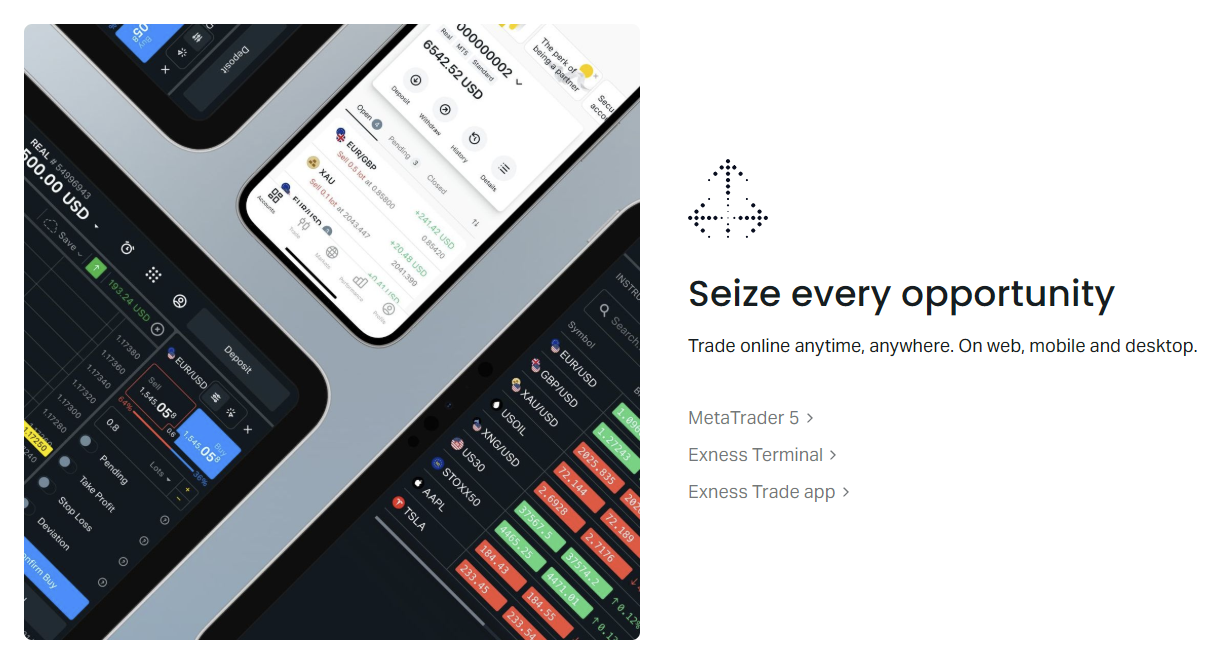
Exness supports the S&P 500 across three main platforms: MetaTrader 5, the proprietary Web Terminal, and the mobile app. MetaTrader 4 also carries the instrument but lacks some of the newer order types and depth-of-market features. Each platform has a different feel, and the choice often comes down to whether you prefer a desktop install, browser access, or mobile-first workflow. All three sync positions and account data in real time through the Personal Area.
MetaTrader 5 is the most feature-complete option for index traders. It supports netting and hedging modes, depth of market (Level 2), one-click trading from the chart, and a built-in economic calendar. The platform handles multiple timeframes natively and allows custom indicators written in MQL5. For algorithmic traders, the Strategy Tester supports multi-currency backtesting, though US500 strategies only need single-symbol data. Exness provides MT5 for Windows, macOS, Linux, and as a web version that runs in any modern browser.
MetaTrader 5 for Index Trading
On MT5, the US500 symbol appears under the Indices group in Market Watch. Right-clicking the symbol opens a tick chart, depth of market, and the new order window. The order window lets you set stop loss and take profit in points, price, or monetary value. You can also enable trailing stops, which follow the price at a fixed distance once the trade moves in your favor. The platform logs every execution with microsecond timestamps, useful for post-trade analysis.
Exness Web Terminal
The Web Terminal requires no installation. Log in through the Exness website, select your account, and the terminal loads in a tab. It offers a clean charting package with TradingView-powered charts, 20+ indicators, and drawing tools. Order entry sits on the right panel with market, limit, and stop orders. One-click trading works from the chart or the panel. The terminal remembers your layout, watchlists, and chart templates across sessions. It works well on Chromebooks, corporate laptops with install restrictions, or any machine where you prefer not to run a desktop client.
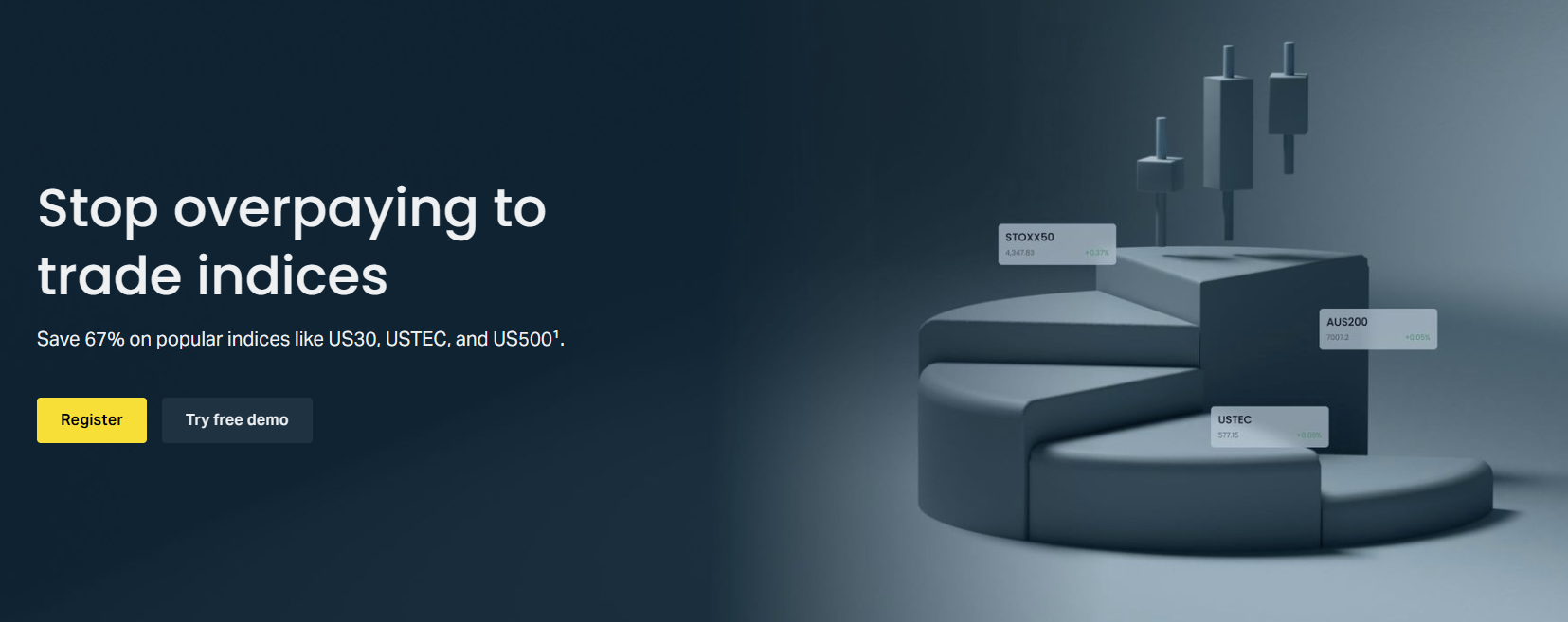
The mobile app mirrors the Web Terminal's feature set. Available for iOS and Android, it pushes price alerts, news, and margin calls to your phone. Charting supports landscape mode with full indicator access. You can fund, withdraw, and switch accounts without leaving the app. For traders who monitor positions throughout the day but execute from a desktop, the app serves as a reliable watchdog. Biometric login and two-factor authentication secure access.
Mobile Trading App
The Exness Trade app separates account management from market analysis. The Home screen shows balance, equity, free margin, and open P/L. The Markets tab lists US500 with real-time bid/ask, daily change, and a sparkline chart. Tapping the symbol opens the trade ticket with preset lot sizes and quick SL/TP buttons. The app also integrates the economic calendar and Trading Central signals, so you can check upcoming CPI or FOMC events without switching contexts. Push notifications fire on margin calls, stop-outs, and filled orders.
Spreads, Commissions, and Swaps
Trading costs on US500 vary by account type. Standard and Standard Cent accounts charge no commission; the cost sits entirely in the spread. Raw Spread and Zero accounts add a round-turn commission per lot but offer tighter raw spreads. Pro accounts sit between the two with low spreads and no commission. The table below shows typical values during the US session. Actual spreads fluctuate with volatility, and overnight swaps apply to positions held past 22:00 UTC.
Scroll horizontally to see all columns
| Account Type | Typical Spread (Points) | Commission (Round Turn) | Swap Long (Points) | Swap Short (Points) |
|---|---|---|---|---|
| Standard | 1.2 - 2.0 | None | -2.5 | -1.8 |
| Standard Cent | 1.2 - 2.0 | None | -2.5 | -1.8 |
| Pro | 0.4 - 0.8 | None | -2.5 | -1.8 |
| Raw Spread | 0.0 - 0.4 | $3.50 per lot | -2.5 | -1.8 |
| Zero | 0.0 - 0.3 | $3.50 per lot | -2.5 | -1.8 |
Swap values reflect the interest rate differential between the USD funding leg and the index dividend yield. Long positions typically pay a negative swap because the financing cost exceeds the implied dividend. Short positions may receive a small credit or pay a smaller debit depending on the broker's markup. Exness publishes daily swap rates in the contract specification and the trading platform. For positions held over Wednesday night, triple swap applies to account for the weekend.
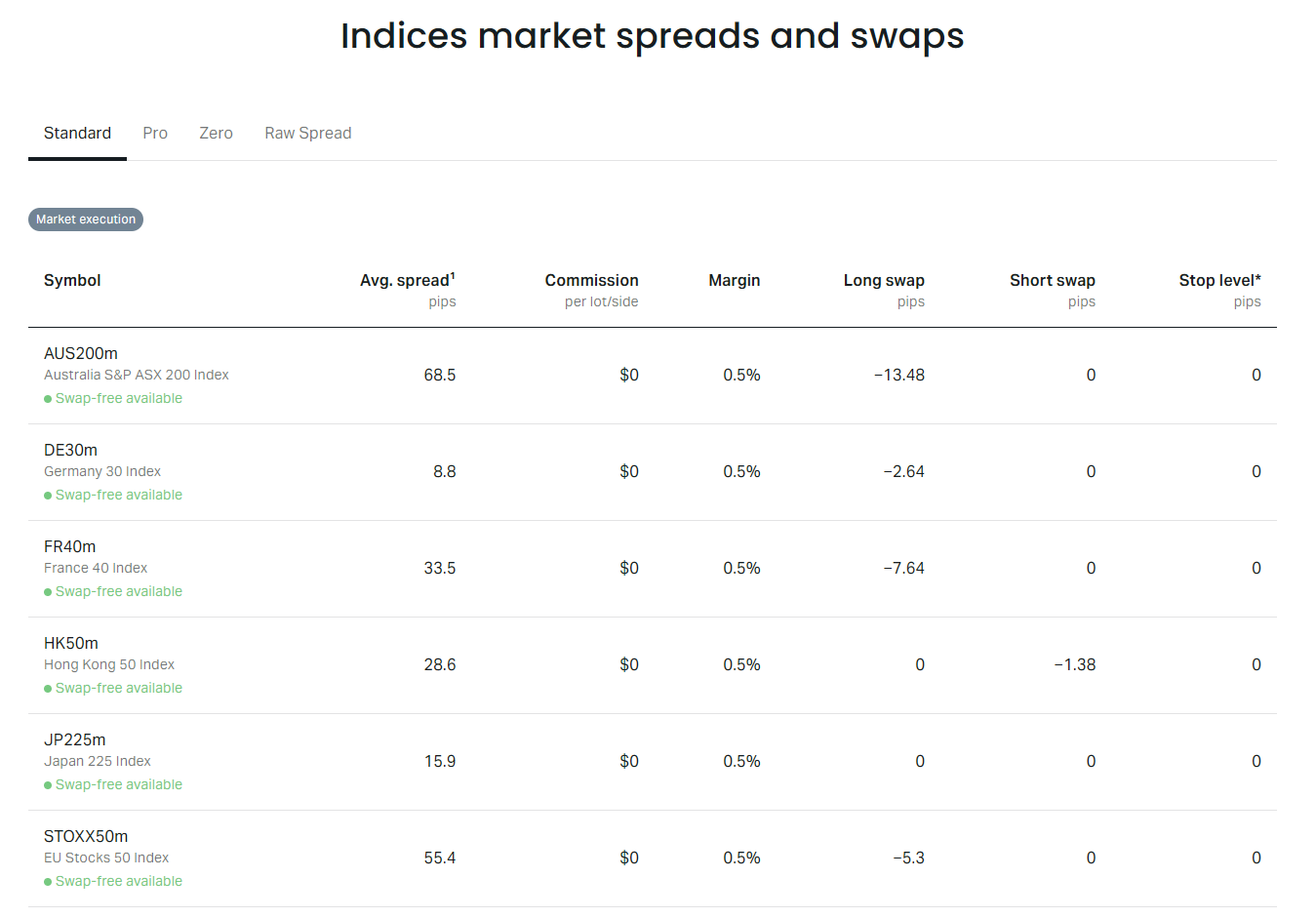
During high-impact news — non-farm payrolls, CPI, FOMC decisions — spreads can widen to 5-10 points on Standard accounts and 2-4 points on Raw Spread. Exness does not guarantee fixed spreads. If you trade around events, consider using limit orders instead of market orders to control entry price. The economic calendar in the platform and on the Exness website flags these events with expected impact ratings.
Leverage and Margin Requirements
Leverage on US500 defaults to 1:200 for retail clients under CySEC, FCA, and FSCA regulation. That means a 0.5% margin requirement. On a 1-lot position at 5,200, the notional value is $5,200, so required margin is $26. Professional clients who meet the eligibility criteria can request up to 1:400, cutting margin to 0.25%. Leverage tiers may step down for larger aggregate positions. Exness publishes the exact tier schedule in the Personal Area under Trading Conditions.
- Retail leverage: 1:200 (0.5% margin)
- Professional leverage: up to 1:400 (0.25% margin)
- Margin calculated in USD, converted to account currency at current rate
- No margin increase for overnight or weekend holding
- Stop-out level: 0% (positions close at zero equity)
- Negative balance protection: losses capped at account balance
The 0% stop-out level is unusual. Most brokers stop out at 20-50% margin level. Exness lets equity drop to zero before liquidating. This gives positions maximum room during drawdowns, but it also means a sharp gap can wipe the account. Negative balance protection ensures the broker absorbs any deficit beyond zero. For risk-averse traders, setting a personal stop-out rule — such as closing all trades if equity falls 20% — adds a safety layer the platform does not enforce.
Execution Quality and Order Types
Exness operates a hybrid execution model. Market orders fill at the best available price from liquidity providers. Limit and stop orders rest on the broker's book until triggered, then execute as market orders. The broker advertises average execution speeds under 100 milliseconds for major instruments. During normal US session hours, US500 fills typically occur within 20-50 ms. Slippage can occur during news, but positive slippage (better price) also happens when liquidity is deep.
Fast execution matters most when scaling in or out of positions during volatile moves. A 50 ms fill versus a 200 ms fill can mean several points of difference on a 1-minute chart.
Order types supported for US500 include market, buy limit, sell limit, buy stop, sell stop, buy stop limit, and sell stop limit. The stop-limit variants let you set a trigger price and a limit price, reducing the chance of a bad fill on a gap. Trailing stops activate once the trade moves a specified distance in your favor. One-cancels-other (OCO) orders are not natively supported in MT5 but can be scripted. The Web Terminal and app offer the same order types with a simplified ticket.
Risk Management Tools
Beyond standard stop loss and take profit, Exness provides a margin calculator, pip calculator, and profit calculator in the Personal Area and the trading platforms. These tools let you model position size, required margin, and potential P/L before entering. The Web Terminal includes a risk panel that shows account health, free margin, and margin level in real time. You can also set account-level risk alerts that notify you when margin level drops below a chosen threshold.
The platform also supports partial close. Right-click an open position and choose Close By or Partial Close to reduce exposure without exiting entirely. This helps lock in profits on a runner while keeping a core position. On MT5, you can drag the stop loss line on the chart to adjust visually. The mobile app offers the same via the position detail screen.
Opening Your First S&P 500 Trade
If you already have an Exness account, the process takes a minute. Log into your chosen platform, find US500 in Market Watch, and double-click to open the order window. Select your lot size, set stop loss and take profit, and click Buy or Sell. If you are new, the steps below walk through account creation to first trade.
- Register on exness.com with email and password
- Complete identity verification (KYC) — upload ID and proof of address
- Open a trading account in Personal Area — choose Standard, Pro, Raw Spread, or Zero
- Fund the account via card, bank transfer, or e-wallet (minimum $10 for Standard)
- Download MT5, open Web Terminal, or install the mobile app
- Log in with your trading account number and password
- Find US500 in Market Watch (Indices group)
- Open a demo trade first — 0.01 lots, set a 20-point stop loss
- Monitor the position, then close manually or let SL/TP trigger
- Review the trade in History tab — check fill price, spread paid, swap
Demo accounts mirror live conditions exactly, including spreads, swaps, and execution speed. Exness does not time-limit demo accounts. Use them to test position sizing, platform shortcuts, and your reaction to drawdowns. When switching to live, start with the minimum lot size until the workflow feels automatic. The psychological difference between demo and real money appears fastest in position sizing decisions.
Comparing Exness with Other Brokers for Indices
Several brokers offer S&P 500 CFDs. The comparison below focuses on raw trading conditions for the US500/US500 equivalent. Regulatory jurisdiction, platform ecosystem, and funding options also matter but vary by trader location. The figures represent typical US session spreads on standard retail accounts.
Scroll horizontally to see all columns
| Broker | Symbol | Typical Spread | Commission | Leverage (Retail) | Platforms |
|---|---|---|---|---|---|
| Exness | US500 | 1.2 pts (Standard) | None (Standard) | 1:200 | MT4, MT5, Web, App |
| IC Markets | US500 | 1.0 pts (Raw Spread) | $3.50/lot | 1:200 | MT4, MT5, cTrader |
| Pepperstone | US500 | 1.2 pts (Standard) | None (Standard) | 1:200 | MT4, MT5, cTrader, TV |
| FP Markets | US500 | 1.0 pts (Raw) | $3.00/lot | 1:200 | MT4, MT5, Iress |
| XM | US500 | 1.5 pts (Standard) | None | 1:200 | MT4, MT5, Web |
Exness stands out for the 0% stop-out level, instant withdrawal processing on most methods, and the proprietary Web Terminal that requires no install. The Raw Spread and Zero accounts compete on all-in cost with other ECN-style brokers. Where Exness trails is platform diversity — no cTrader or TradingView native integration beyond the Web Terminal charts. For traders who value simplicity and fast access over platform choice, the trade-off often favors Exness.
Final Assessment of Exness S&P 500 Trading
Trading the S&P 500 on Exness works well for most retail and professional styles. The contract specification is standard, the platforms are stable, and the cost structure is transparent once you match account type to trading frequency. Scalpers benefit from Raw Spread or Zero accounts during the US session. Swing traders on Standard or Pro accounts avoid commissions and only pay the spread. The 0% stop-out level and negative balance protection add a safety net that few brokers match. The main limitations are the lack of cTrader, no guaranteed stops, and spreads that widen noticeably around major news. If those factors fit your plan, Exness is a solid venue for US500 exposure.
Frequently Asked Questions
What is the minimum deposit to trade S&P 500 on Exness?
The minimum deposit is $10 for Standard and Standard Cent accounts. Pro, Raw Spread, and Zero accounts require $200, $200, and $500 respectively.
Does Exness charge overnight fees for holding US500 positions?
Yes. Swap charges apply daily at 22:00 UTC. Long positions typically pay a negative swap; short positions may receive a small credit or pay a reduced debit. Triple swap applies Wednesday night.
Can I trade US500 on MetaTrader 4 with Exness?
Yes. US500 is available on MT4, but MT5 and the Web Terminal offer more order types, depth of market, and better charting tools for index trading.
What leverage is available for S&P 500 on Exness?
Retail clients get up to 1:200. Professional clients who qualify can request up to 1:400. Leverage may tier down for large aggregate positions.
Are there any trading restrictions on US500 during news events?
Exness does not restrict trading during news. Spreads widen naturally. You can place limit and stop-limit orders to control fill price during volatile periods.
How do I calculate the value of one point on US500?
One lot equals $1 per index point. A 0.01 lot position moves $0.01 per point. Multiply your lot size by the point change to get P/L in USD.
Does Exness offer guaranteed stop losses on indices?
No. Exness does not offer guaranteed stops on any instrument. Standard stop losses execute at the next available price, which may differ from your set level during gaps.
Can I hedge US500 positions on Exness?
Yes. All Exness accounts support hedging mode. You can hold long and short US500 positions simultaneously. Margin is charged on the larger leg only.