

Forex Broker Guides
Exness Deposit Methods, Limits, and Step-by-Step Guide
Everything you need to know about depositing money into Exness trading accounts.

Senior Forex Trader & Market Analyst
Daniel Chen is an experienced forex trader and financial market analyst with over 15 years of experience in currency trading. He specializes in technical analysis, risk management, and developing practical trading strategies to help traders make informed decisions.
Funding a trading account should be straightforward, but the details matter. Exness offers a wide range of deposit options, and the experience can vary depending on where you live, which account type you use, and how quickly you need the money to appear. This guide walks through every part of the process so you can choose the method that fits your situation.
Contents
- 1. How to Deposit on Exness Step by Step
- 2. Deposit Methods Available by Region
- 3. Minimum Deposit Requirements by Account Type
- 4. Deposit Fees and Hidden Costs
- 5. Exness Funding Wallet and Internal Transfers
- 6. Deposit Bonuses and Promotional Offers
- 7. Common Deposit Problems and How to Fix Them
- 8. Security Measures for Deposits and Withdrawals
- 9. Mobile App Deposit Experience
- 10. Comparing Exness Deposits to Other Brokers
- 11. Final Assessment of Exness Deposit
Most traders want three things: low or zero fees, instant crediting, and a method they already use. Exness delivers on most of those fronts, but there are nuances. Some payment systems impose their own limits. Certain currencies convert at rates you might not expect. And a few methods only work in specific regions. Knowing these details before you start saves time and prevents failed transactions.
The platform separates deposits into two broad categories: electronic systems and bank transfers. Electronic methods — cards, e-wallets, crypto, and local payment gateways — usually credit instantly. Bank wires take longer and may involve intermediary fees. Your personal area shows only the methods available in your verified country, so the list you see may differ from the global list published on the website.
How to Deposit on Exness Step by Step
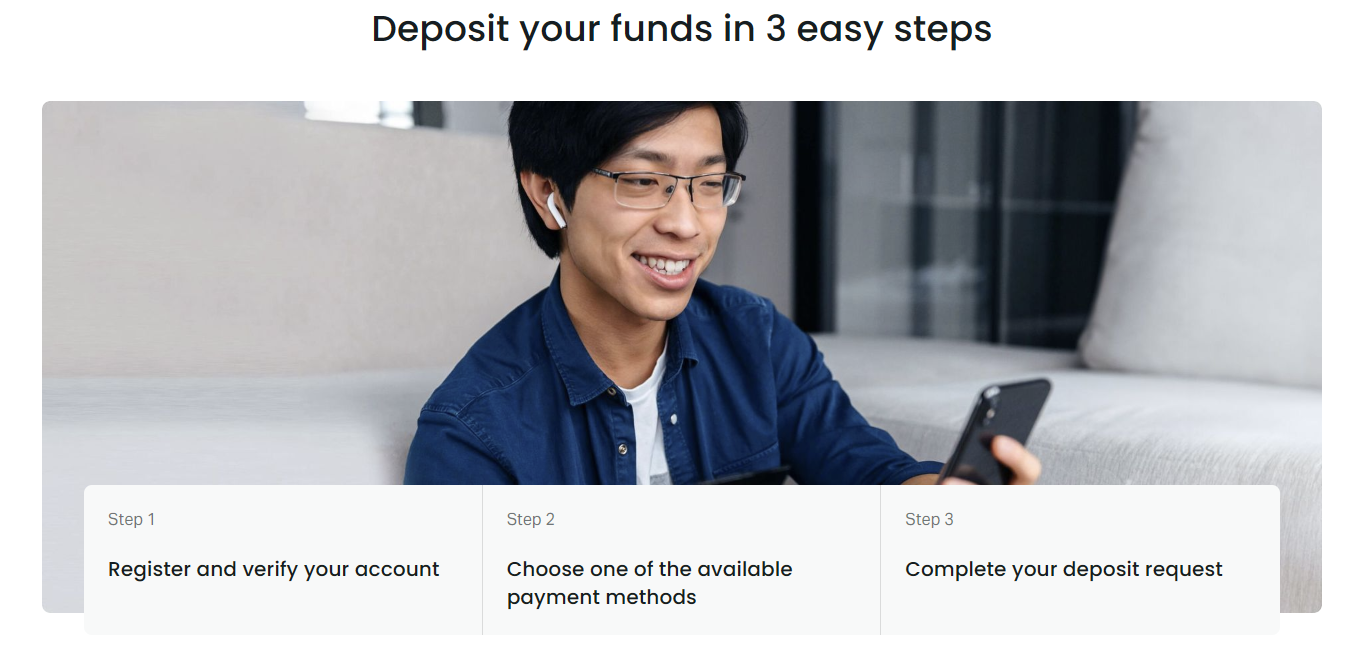
The deposit flow is similar across devices. Log into your personal area, click the deposit button, pick a method, enter the amount, and confirm. The screens adapt slightly depending on whether you use the web terminal, the mobile app, or the desktop terminal, but the logic stays the same. You must complete identity verification before most methods unlock. Unverified accounts face strict limits and cannot withdraw.
- Open the Exness personal area or mobile app and sign in.
- Select "Deposit" from the main menu or dashboard.
- Choose a payment method from the list shown for your region.
- Enter the deposit amount in your account currency.
- Follow the redirect to the payment provider's page.
- Complete the payment using your card, wallet, or banking app.
- Return to the personal area — funds usually appear within minutes.
If the money does not show up after the provider confirms the transaction, wait a few minutes and refresh. Rarely, a provider sends a success notice but the broker's system has not yet received the callback. Support can trace the payment with the transaction ID. Keep the receipt or screenshot until the balance updates.
The mobile app mirrors the web flow. Tap the wallet icon, choose deposit, pick a method, and confirm. Biometric login speeds up access. Push notifications alert you when the funds arrive. Some local methods — like bank apps in Southeast Asia or Africa — open directly from the Exness app, reducing the chance of typing errors.
Deposit Methods Available by Region
Exness supports over 100 payment systems globally, but no single trader sees all of them. The personal area filters methods based on your registered country and verification level. Popular global options include Visa, Mastercard, Neteller, Skrill, Perfect Money, WebMoney, and various cryptocurrencies. Regional gateways cover India (UPI, Paytm, PhonePe), Nigeria (Paystack, Flutterwave), Brazil (PIX, Boleto), Vietnam (NAPAS, MoMo), and many others.
Scroll horizontally to see all columns
| Method Type | Examples | Crediting Speed | Fee (Exness Side) |
|---|---|---|---|
| Bank Cards | Visa, Mastercard, Maestro | Instant | 0% |
| E-Wallets | Neteller, Skrill, Perfect Money | Instant | 0% |
| Cryptocurrency | BTC, USDT, ETH, USDC, LTC | Network dependent | 0% |
| Local Bank Transfer | Varies by country | Minutes to hours | 0% |
| International Wire | SWIFT | 1-3 business days | 0% |
Crypto deposits credit after the required network confirmations. Bitcoin typically needs 1-2 confirmations; USDT on TRC20 is often instant. The personal area shows the exact address and QR code. Send only the supported token on the correct network — sending ERC20 USDT to a TRC20 address loses funds. Exness does not charge deposit fees, but the blockchain network fee is paid by you.
Minimum Deposit Requirements by Account Type
Exness sets minimums per account type, not per payment method. The Standard and Standard Cent accounts start at $1 for most electronic methods. Professional accounts — Pro, Raw Spread, and Zero — require at least $200 on first deposit. Some payment systems impose higher floors; for example, certain bank transfers or crypto gateways may not process amounts below $10 or $50. The deposit screen shows the effective minimum for the selected method.
Scroll horizontally to see all columns
| Account Type | Minimum Deposit | Typical Use Case |
|---|---|---|
| Standard Cent | $1 | Micro lot testing |
| Standard | $1 | General retail trading |
| Pro | $200 | Experienced traders |
| Raw Spread | $200 | Scalpers, EA users |
| Zero | $200 | Zero spread strategies |
Subsequent deposits on professional accounts can be smaller than $200. The $200 threshold applies only to the very first funding of that account type. If you open a Raw Spread account, deposit $200, then withdraw most of it, you can later top up with $50. The rule resets only if you open a brand new professional account.
The $1 minimum on Standard accounts makes Exness one of the most accessible brokers for beginners testing real conditions.
Deposit Fees and Hidden Costs
Exness does not charge deposit fees. That statement holds for every method listed in the personal area. However, the payment provider may take a cut. Card issuers sometimes treat funding a forex account as a cash advance, triggering a fee and higher interest. E-wallets like Skrill or Neteller charge their own deposit fees when you load the wallet from your bank. Crypto network fees fluctuate with congestion. Bank wires often involve correspondent bank charges that reduce the received amount.
- Check your card terms for cash advance classification.
- Load e-wallets via bank transfer to avoid card fees.
- Use TRC20 USDT or BEP20 BUSD for low crypto fees.
- Ask your bank about SWIFT correspondent fees before wiring.
- Local methods (PIX, UPI, P2P) usually have zero extra cost.
Currency conversion is another cost. If your account is in USD but you deposit EUR via a card, the conversion happens at the card network's rate plus any markup. Exness shows the expected converted amount before you confirm. For large deposits, funding in your account currency avoids double conversion. Some local gateways let you pay in local currency directly into a USD account at competitive rates.
The payments page also displays current limits per transaction and per day. These limits come from the payment provider, not Exness. Card limits often sit around $10,000 per transaction. E-wallets may allow more. Crypto has no upper bound from Exness, but the blockchain and your wallet set practical limits. If you need to deposit more than the single-transaction cap, split it across multiple transactions or use a method with higher limits.
Exness Funding Wallet and Internal Transfers
The funding wallet sits inside your personal area as a holding balance. Money deposited there can be distributed across multiple trading accounts instantly without re-entering payment details. This is useful if you run several strategies on separate accounts — Standard for manual trading, Raw Spread for an EA, Cent for testing. You deposit once, then move funds between accounts with a few clicks.
- Deposit to funding wallet via any active method.
- Open "Transfer" in the personal area.
- Select source (wallet) and destination (trading account).
- Enter amount and confirm — transfer is instant.
- Trading account balance updates immediately.
Internal transfers between your own accounts are free and unlimited. Transfers to another client's account require both parties to have verified profiles and may face compliance checks. The funding wallet also simplifies withdrawals — you pull from the wallet to your payment method, regardless of which trading account generated the profit.
Deposit Bonuses and Promotional Offers
Exness rarely runs deposit bonus campaigns. The broker's model focuses on tight spreads and commission-based revenue rather than promotional incentives. When bonuses appear, they are usually region-specific, time-limited, and tied to a minimum deposit and trading volume requirement. Always read the terms — bonus funds often cannot be withdrawn until you trade a specified number of lots, and the bonus itself may be removed on withdrawal.
The partner program offers rebates and cashback to introducing brokers, not direct deposit bonuses to traders. If you see a third-party site advertising an "Exness deposit bonus," verify it on the official promotions page. Many such offers are outdated or belong to affiliate schemes that add a markup to spreads. The cleanest cost structure is the standard one: no bonus, no hidden spread widening, no volume traps.
A broker that pays you to deposit usually recoups it somewhere else — often in wider spreads or execution quality.
Common Deposit Problems and How to Fix Them
Failed deposits usually fall into a few categories. Card declines happen when the issuer blocks forex transactions or the 3D Secure step times out. E-wallet payments fail if the wallet balance is insufficient or the email does not match the Exness account. Crypto transactions stall if the network fee is too low or the wrong network is selected. Bank wires go missing when the reference number is omitted or the sender name differs from the account holder.
- Card declined: contact bank to allow forex, try another card or method.
- 3D Secure loop: clear browser cache, use app, or switch to wallet.
- E-wallet mismatch: ensure registered email matches Exness profile.
- Crypto not credited: verify network, confirmations, and address.
- Wire not arrived: provide SWIFT MT103 to support for tracing.
Support responds quickly via live chat. Have the transaction ID, screenshot, and timestamp ready. Most issues resolve within hours. If a payment provider confirms success but Exness has not received funds, the broker's finance team can request a proof of payment from the provider. This process takes 1-3 business days. Never deposit from a third-party account — anti-money-laundering rules require the sender name to match the verified client.
The personal area shows deposit history with status badges: pending, completed, failed, refunded. Failed card deposits often show as "refunded" within 5-10 business days, depending on the bank. Crypto refunds are manual — contact support with the transaction hash. E-wallet refunds are usually instant back to the wallet balance.
Security Measures for Deposits and Withdrawals
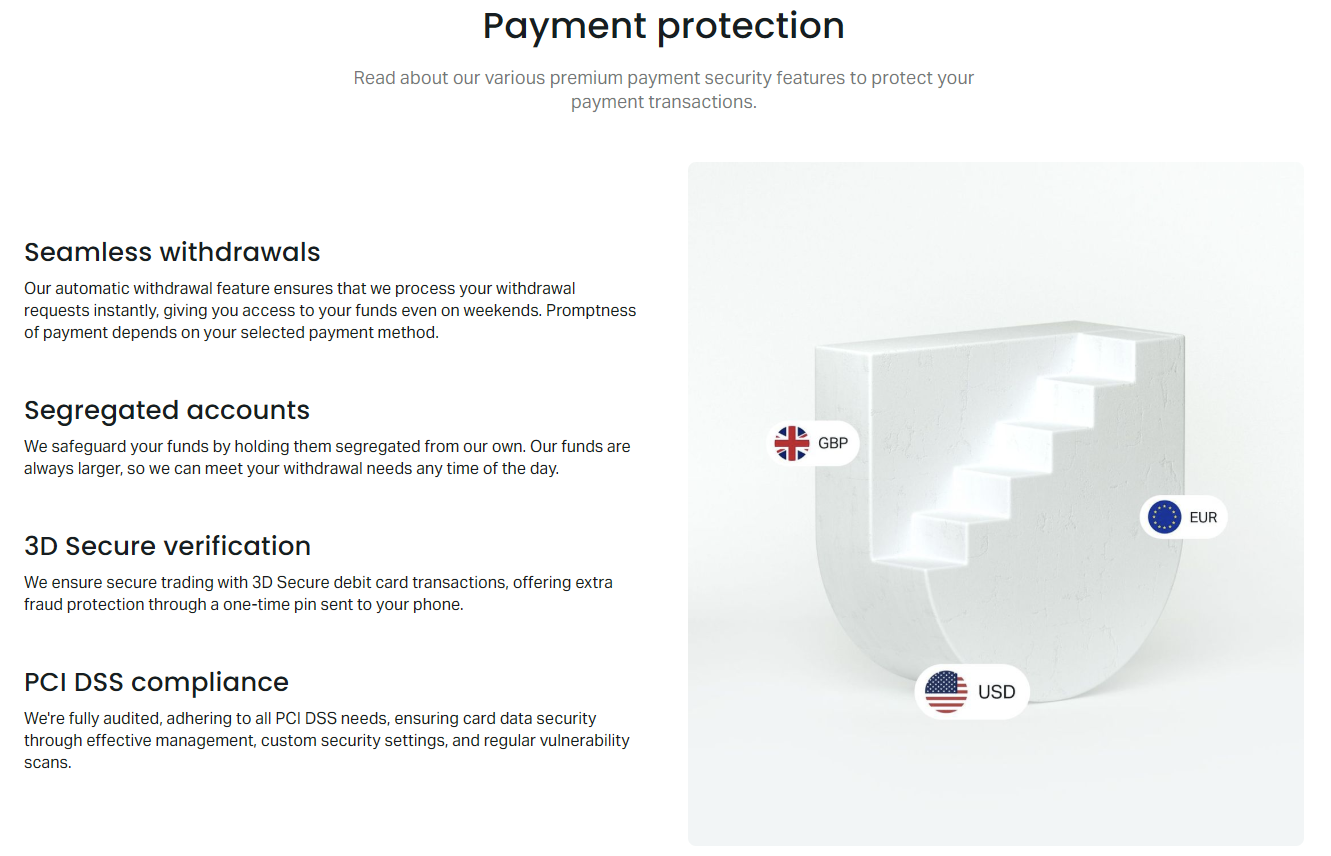
Exness uses segregated accounts — client funds sit in top-tier banks separate from operational capital. Deposits go to these segregated accounts. The broker holds licenses from FCA (UK), CySEC (Cyprus), FSCA (South Africa), and others, each requiring regular audits. Two-factor authentication (2FA) protects the personal area. Withdrawal requests to new payment methods trigger email confirmation. You can whitelist trusted devices and set up withdrawal passwords for extra layers.
The payment protection system monitors for unusual activity. Large first-time deposits from new devices may trigger a verification call. This is normal and protects against account takeover. Complete the check promptly — the funds remain safe in the segregated account during review. Never share 2FA codes or login credentials with anyone claiming to be support. Exness staff never ask for passwords.
Mobile App Deposit Experience
The Exness Trade app handles deposits natively. The wallet tab shows balance, deposit, and withdraw buttons. Biometric login (Face ID, fingerprint) replaces password entry. Push notifications confirm successful credits. The app also integrates with local payment apps — tapping a UPI method in India opens your UPI app pre-filled with the amount and reference. This reduces errors and speeds up the flow.
- Download from App Store or Google Play (official Exness Trade app).
- Enable biometric login in settings.
- Allow push notifications for deposit alerts.
- Use the same methods as web — list is identical.
- Transaction history syncs across devices instantly.
The mobile web terminal (browser-based) also supports deposits via the personal area link. No separate app install needed. This is handy on shared devices or when storage is limited. The experience is responsive but lacks biometric shortcuts. For frequent mobile funding, the native app is smoother.
Mobile deposit integration with local payment apps is a quiet quality-of-life feature that saves more time than most traders realize.
Comparing Exness Deposits to Other Brokers
Most regulated brokers offer similar method sets: cards, wires, e-wallets. Exness stands out in three ways. First, the $1 minimum on Standard accounts is lower than the $50-$200 floors common elsewhere. Second, zero deposit fees across the board — many brokers charge 1-2% on cards or e-wallets. Third, instant crediting on electronic methods is reliable; some competitors queue deposits for manual review during high volume.
Scroll horizontally to see all columns
| Feature | Exness | Industry Average |
|---|---|---|
| Minimum Deposit (Standard) | $1 | $50-$100 |
| Card Deposit Fee | 0% | 1-2.5% |
| E-Wallet Fee | 0% | 0-1% |
| Crypto Fee | Network only | Network + 0.5-1% |
| Instant Crediting | Yes (electronic) | Often delayed |
The trade-off is that Exness does not offer deposit bonuses or loyalty points. Traders who value cashback over raw spreads may prefer brokers with rebate programs. For pure cost efficiency, Exness's model wins. The lack of bonuses also means no volume requirements locking your capital.
Final Assessment of Exness Deposit
Exness deposits work as advertised: fast, free on the broker side, and flexible across account types. The $1 entry point on Standard accounts removes a barrier that keeps many beginners on demo too long. Professional accounts ask for $200 upfront, which is reasonable for the tighter spreads and commission structure they deliver. The funding wallet adds convenience for multi-account traders without adding complexity for single-account users.
The main friction points are external: card issuer cash advance fees, e-wallet loading costs, crypto network congestion, and bank wire correspondent charges. Exness cannot control these. The personal area does a good job of showing the net amount you will receive before you confirm. Regional method availability is broad but not universal — check your specific list after verification.
Security is solid. Segregated accounts, multi-jurisdiction regulation, 2FA, and the withdrawal-to-source rule align with industry best practices. The mobile app integrates well with local payment ecosystems, especially in Asia and Africa. For most traders, the deposit experience will be a non-event — money in, trade, money out. That is exactly how it should be.
Frequently Asked Questions
What is the minimum deposit for Exness Standard account?
The minimum deposit for Standard and Standard Cent accounts is $1 for most electronic payment methods. Some payment systems may have higher minimums.
Does Exness charge deposit fees?
Exness does not charge any deposit fees. However, your payment provider, card issuer, or blockchain network may apply their own fees.
How long does an Exness deposit take to process?
Electronic methods (cards, e-wallets, crypto, local gateways) usually credit instantly. Bank wires take 1-3 business days depending on the banks involved.
Can I deposit using cryptocurrency on Exness?
Yes, Exness accepts Bitcoin, USDT (TRC20, ERC20), Ethereum, USDC, Litecoin, and other cryptocurrencies. Funds credit after network confirmations.
Why was my card deposit declined?
Common reasons: your bank blocks forex transactions, 3D Secure failed, insufficient funds, or the card is not 3D Secure enabled. Contact your bank or use an alternative method.
What is the Exness funding wallet?
The funding wallet is a holding balance in your personal area. You deposit there once and distribute funds instantly across multiple trading accounts without re-entering payment details.
Can I deposit from someone else's account?
No. Anti-money-laundering regulations require the sender name to match the verified Exness account holder. Third-party deposits are rejected or refunded.
Are there deposit bonuses on Exness?
Exness rarely offers deposit bonuses. The broker's model focuses on low spreads and commissions rather than promotional incentives. Check the official promotions page for current offers.